
Published · Updated
Quick Answer
Should I install an old version of the B9 Game APK?
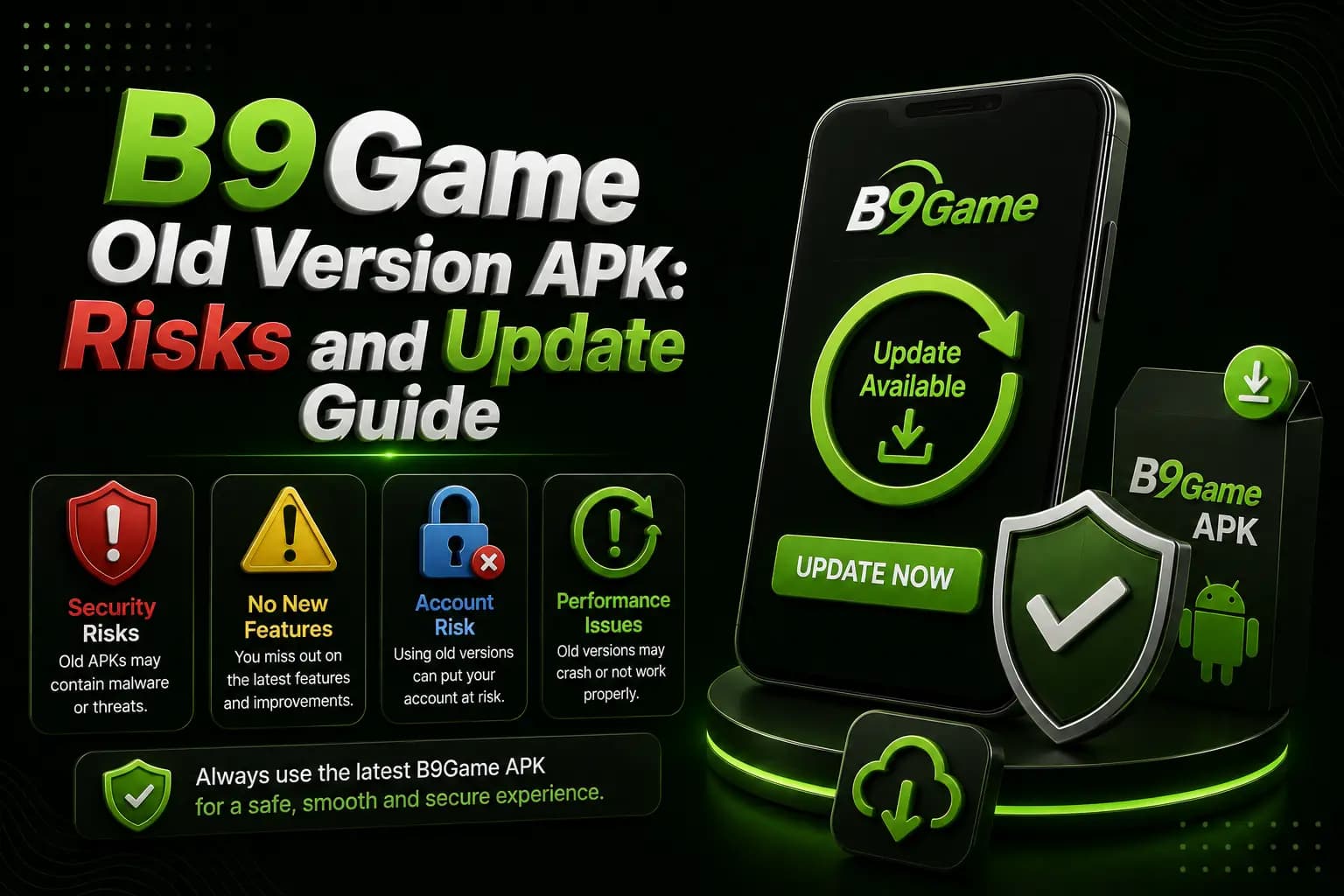
An old version of the B9 Game APK should be installed only after you know why the current app fails. Older files can bring login failures, payment errors, missing features, signature conflicts and security risks. Check the source, package name, permissions and scan result, save account records first, and never use an unsupported app for payments.
| Item | Detail |
|---|---|
| Published "latest" versions | Conflicting - 1.0.43, 1.0.62 and 1.0.63 on third-party pages |
| Safety of an old APK | Cannot be assumed - check source, signature and scan |
| Effect on winning | None - an old version does not improve results |
| Play Protect | Keep it enabled |
| Last checked | 14 October 2026 |
Key Takeaways
- Downgrading the B9 Game APK may not help, because a network or server error can affect old and new versions alike.
- Third-party pages list conflicting B9 Game versions, so a file named latest 2026 should not be treated as current.
- A package conflict error can mean the old and new APKs were signed by different publishers, which is a warning sign.
- Before uninstalling, confirm your registered number, password and recovery method, and screenshot balances and pending transactions.
- Avoid any old APK that requests SMS access, promises free balance or requires security protection to be disabled.
A B9Game old-version APK may be searched when the latest application does not install, runs slowly or stops working on an older Android phone.
Installing an older file may appear to solve a compatibility problem, but it can create new issues with login, payments, game servers and account security.
Users should first understand why the current version is failing before replacing it with an unverified old APK.
Why Users Look for an Old Version
Common reasons include:
- New APK does not install
- App closes after opening
- Phone has limited storage
- Android version is old
- Interface changed
- Login stopped working
- Device performance became slow
- Update introduced a temporary bug
- User prefers an older layout
Not every problem requires downgrading.
A network or server error may affect both old and new versions.
B9Game Version Information Is Inconsistent
Third-party pages currently publish different "latest" versions.
Examples include:
- Version 1.0.43
- Version 1.0.62
- Version 1.0.63
The same competing content can also contain conflicting version and file-size statements.
For this reason, a file should not be treated as current merely because its name includes "latest 2026."
Risks of Installing an Old B9Game APK
Security Weaknesses
An outdated application may contain problems fixed in a later release.
An old file from an unknown archive may also have been modified after the original release.
Google warns that apps obtained from unknown sources can put the device and personal information at risk.
Login Failure
The platform may change its login, verification or server connection.
An older APK may no longer communicate correctly with the current account system.
Payment Errors
Deposit and withdrawal screens may depend on updated payment services.
Do not use an outdated application for a payment when:
- Recipient details are missing
- Wallet methods look different
- The connection shows an error
- The app requests unusual permissions
- Transaction history does not load
Missing Games or Features
An old version may not display current games, promotions or account options.
This does not mean that a newer file will improve winning chances. Game outcomes remain uncertain.
Package-Signature Conflict
Android may display an error such as:
- App not installed
- Package conflicts with an existing package
- Invalid package
- Update incompatible
This can occur when the old and new APKs were signed by different publishers.
Forced Update
The application may refuse to open until a newer version is installed.
Trying several unofficial versions can increase the security risk without solving the server requirement.
Checks Before Installing an Old Version
Confirm:
- Exact reason for downgrading
- Original download source
- File name
- Version number
- File size
- Package name
- Security-scan result
- Requested permissions
- Account-recovery access
- Whether the platform still supports it
Do not install an old APK simply because a download page says it is suitable for every device.
Safer Update Process
1Record the Current Version
Open the app-information screen in Android settings.
Save the version, storage use and permissions.
2Confirm Account Access
Make sure you know:
- Registered phone number
- Password
- Recovery method
- User ID
Do not uninstall the app when you cannot recover the account.
3Save Important Records
Take screenshots of:
- Current balance
- Pending deposits
- Pending withdrawals
- Transaction history
- Linked wallet details
4Check for a Platform Update Notice
A notification inside the app is more useful than an unsupported third-party claim.
Still verify where the update button leads.
5Scan the New APK
Google Play Protect may check applications installed outside Google Play and warn about potentially harmful software.
Keep security protection enabled.
6Install Over the Existing App
When the package and signature match, Android may update the application without removing account data.
When Android reports a signature conflict, do not uninstall immediately. First confirm that the replacement file comes from the correct publisher.
Common Installation Problems
App Not Installed
Possible causes:
- Corrupt download
- Insufficient storage
- Unsupported Android version
- Signature conflict
- Security block
- Incomplete file
Parse Error
The APK may be damaged or incompatible with the Android version.
Download it again only from a verified source.
Package Conflict
A different developer signature may exist on the installed application.
This is a significant warning when the supposed update comes from another website.
App Opens but Login Fails
Check whether the same account works through the verified browser login page.
The current public login page uses a mobile number and password and includes a forgotten-password option.
Network Error After Downgrade
The old application may no longer be supported, or the platform itself may be temporarily unavailable.
Recent public B9Game account crawls have displayed a network-error message.
When Not to Use an Old APK
Avoid downgrading when:
- The old file requests SMS access
- The publisher cannot be identified
- The APK promises free balance
- The file comes from a messaging group
- Payment pages do not load correctly
- The app requires security protection to be disabled
- The package name is different
- The account already has a pending transaction
Conclusion
A B9Game old-version APK should be considered only after identifying why the current application does not work.
Conflicting version claims make source verification especially important. Save account records, scan the file, review permissions and avoid using an unsupported application for deposits or withdrawals.
Frequently Asked Questions
Is a B9Game old-version APK safe?
Safety cannot be assumed. The source, package, signature, permissions and scan results must be checked.
Why does the latest version not install?
The device may have insufficient storage, an incompatible Android version, a damaged file or a signature conflict.
Can an old version improve winning?
No. An older application does not guarantee better results or earnings.
Will uninstalling remove my balance?
The account balance is normally associated with the account rather than the visible app file, but users should confirm login recovery and save records before uninstalling.
Why does Android show package conflict?
The installed and downloaded APKs may have different signatures or package information.
Should I disable Play Protect?
Do not permanently disable device protection to install an unknown APK.
Related B9Game Guides
More B9 Game Guides
Published
B9 Game APK 2026 Free Download: How to Check the Latest Version
Every site claims to host the newest B9 Game APK for 2026. Learn how to check which version you really have, how updates normally arrive and how to update safely.
Published
B9 Game Download APK Uptodown and APKPure: Risks Explained
Third-party stores like Uptodown and APKPure look safer than random websites, but they still carry risks for a real-money app. Learn how they work, how to check a file and why old versions there often fail.
Published · Updated
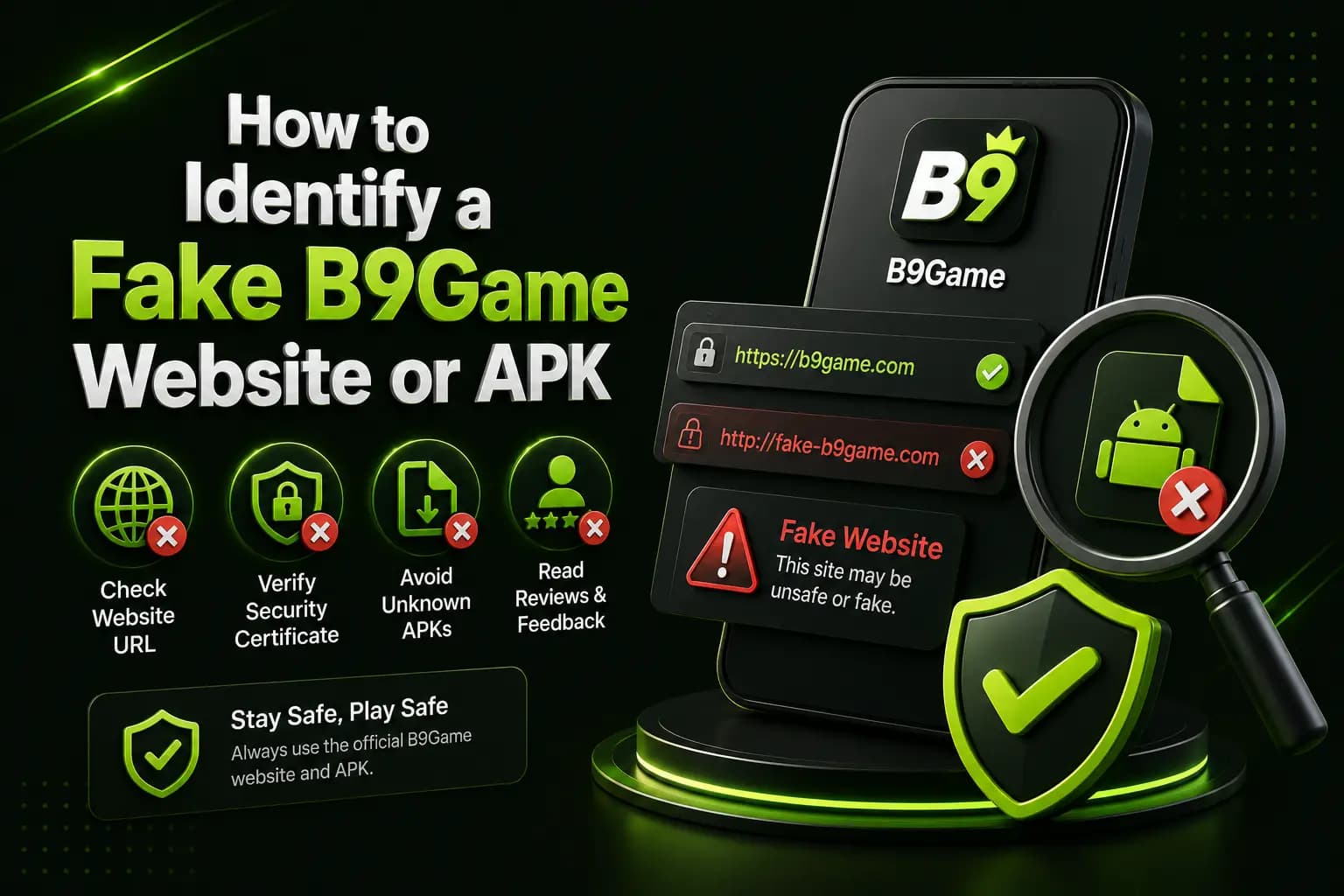
How to Identify a Fake B9 Game Website or APK
A fake B9Game website can copy the name, logo and download buttons. Learn how to verify the domain, APK and payment details before you share any information.
Published · Updated
B9 Game Account Locked? Causes and Recovery Steps
A B9Game account may become temporarily inaccessible after repeated password attempts, unusual device access or verification issues. Here is how to recover it safely.