
Published · Updated
Quick Answer
How do I unlock a locked B9 Game account?
To unlock a locked B9 Game account, stop repeated login attempts, screenshot the exact error, test your internet connection and use the forgotten-password option on the verified login page. Confirm the registered SIM is active, then contact in-app support with your user ID and error screenshot. Never pay an unlock fee or share an OTP.
| Item | Detail |
|---|---|
| Permanently closed? | Not necessarily - a restriction may be temporary |
| Recovery route | Forgotten-password option on the verified login page |
| Login fields | Mobile number and password |
| Unlock fee | Never pay one - it is a scam warning sign |
| Last checked | 14 October 2026 |
Key Takeaways
- A locked B9 Game account is not necessarily closed; a restriction can be temporary and linked to passwords, devices or verification.
- Repeated wrong passwords, a new device, too many OTP requests or an inactive SIM can all trigger a B9 Game account lock.
- Do not create a second account while the first is locked, because it can cause identity, payment or promotion problems.
- Public B9 Game account routes have recently shown network errors, so some access problems come from the platform side.
- Anyone asking for an unlock fee, OTP, password, wallet PIN or remote-control app is showing a clear fraud warning sign.
A B9Game account may become temporarily inaccessible after repeated password attempts, unusual device access, verification issues or activity that triggers an account review.
An account restriction does not automatically mean the balance has disappeared or the account has been permanently closed. The correct response is to stop repeated attempts and collect information about the error.
The current public login page requests a mobile number and password and provides a forgotten-password option.
Common Reasons a B9Game Account Gets Locked
Repeated Incorrect Passwords
Entering the wrong password several times can look like an unauthorized-access attempt.
Common causes include:
- Using an old saved password
- Typing the wallet PIN instead
- Incorrect uppercase letters
- Keyboard-language changes
- Extra spaces
- Logging into the wrong account
Use the password-recovery option instead of repeatedly guessing.
Login From a New Device
A new phone, browser, emulator, location or network may trigger additional verification.
This is more likely when the account normally opens from one device and suddenly appears from another.
Too Many OTP Requests
Repeated OTP or password-reset requests may temporarily restrict verification.
Allow the latest request to complete before starting another.
Mobile Number Is No Longer Active
A user who loses access to the registered SIM may be unable to complete account recovery.
Keeping the original number active is particularly important when it is also used for payment verification.
Multiple Account Activity
Creating several accounts from the same device, number, wallet or identity can create problems where the platform has a one-account rule.
Do not create another account merely because the first one is temporarily inaccessible.
Payment or Wallet Mismatch
An account review may be triggered when:
- The deposit comes from another person's wallet
- Withdrawal details are changed suddenly
- The account name does not match
- Several payment methods are linked
- Unusual transaction activity occurs
Unverified or Modified APK
A modified application may fail to connect properly or may capture login details.
Google warns that applications downloaded from unknown sources can put the device and personal information at risk.
What to Do When the Account Is Locked
1Stop Repeated Login Attempts
Do not continue guessing the password.
Repeated attempts can make it harder to identify whether the problem is an incorrect password, network error or account restriction.
2Save the Error Message
Take a screenshot showing:
- Exact error
- Date and time
- App or browser
- Device name
- Account number with some digits hidden
Do not edit the screenshot before submitting it to support.
3Test the Internet Connection
Open another website or application.
The public B9Game account route has recently displayed network errors, meaning an access problem may sometimes come from the platform rather than the account.
4Use Forgotten Password
Use the recovery option on the verified login page.
Do not open password-reset links supplied by strangers in comments or messaging groups.
5Confirm the Registered SIM
Make sure the number:
- Is active
- Has mobile signal
- Can receive SMS
- Is inserted into a working phone
- Has not been replaced or blocked
6Check for Unfamiliar Activity
After access is restored, review:
- Login history when available
- Linked wallet number
- Transaction records
- Withdrawal requests
- Password changes
- Promotion activity
7Contact Support Safely
Prepare:
- Registered number
- User ID
- Error screenshot
- Last successful login
- Last deposit or withdrawal reference
- Device details
Share only the minimum information required.
Account-Unlock Scam Warning
A fraudster may contact users who publicly post that their account is locked.
Warning signs include requests to:
- Pay an unlock fee
- Share an OTP
- Reveal a password
- Provide a wallet PIN
- Install a remote-control app
- Send CNIC images through WhatsApp
- Deposit money into a new account
- Create a replacement account through a referral link
EasyPaisa and JazzCash both advise customers to keep OTPs and PIN information private.
How to Prevent Another Lock
- Use one unique password
- Save the correct login domain
- Keep the SIM active
- Avoid modified APK files
- Do not switch devices repeatedly
- Do not create duplicate accounts
- Review wallet details before withdrawal
- Log out on shared devices
- Avoid public Wi-Fi for payments
Conclusion
When a B9Game account is locked, stop repeated login attempts and determine whether the cause is a password problem, network error, verification issue or unfamiliar access.
Use the verified recovery process, keep evidence and reject anyone asking for an unlock payment, OTP or wallet PIN.
Frequently Asked Questions
Is a locked B9Game account permanently closed?
Not necessarily. A restriction may be temporary or related to password, verification, device or network activity.
Should I create another account?
No. A second account may create further identity, payment or promotion problems.
Can support unlock the account without verification?
Support may need information that proves account ownership. Never provide a password, OTP or wallet PIN.
Why does the app say network error?
The server, connection, outdated application or temporary maintenance may be responsible.
Can a VPN cause login problems?
A changing location or network may trigger additional checks on some account systems. Test the normal connection before continuing.
What evidence should I save?
Save the error screen, registered number, user ID, last successful access and relevant transaction references.
Related B9Game Guides
More B9 Game Guides
Published
B9 Game Login Password: Forgot Password and Reset Help
Forgot your B9 Game login password or keep seeing a wrong-password error? Follow these reset steps, learn what the login page actually asks for, and see a short Roman-Urdu login summary.
Published · Updated
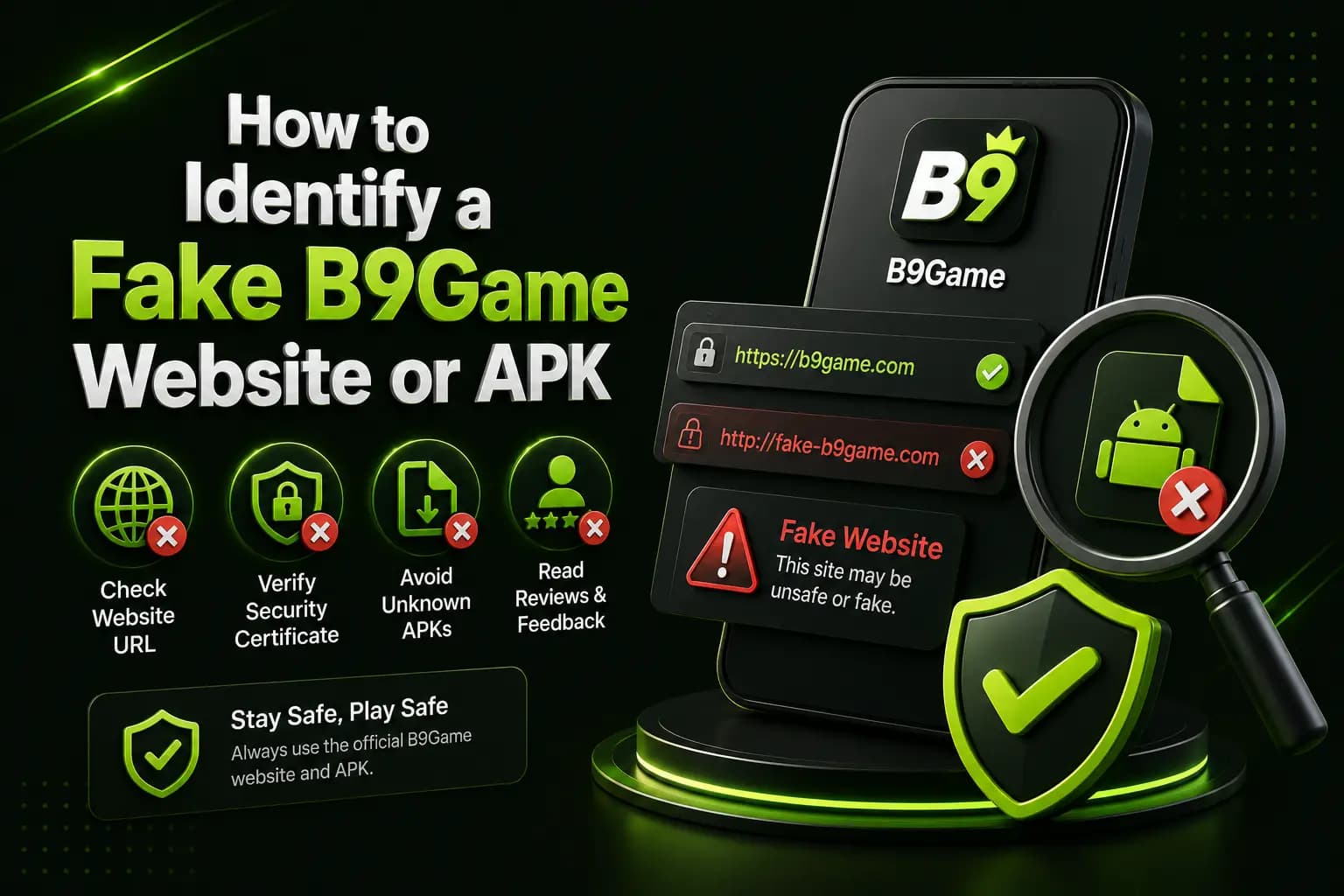
How to Identify a Fake B9 Game Website or APK
A fake B9Game website can copy the name, logo and download buttons. Learn how to verify the domain, APK and payment details before you share any information.
Published · Updated
B9 Game OTP Not Received? Causes and Solutions
A B9Game OTP may be required during registration, password recovery, payment confirmation or account verification. Here is why it may not arrive and how to fix it.
Published
B9 Game VIP: How VIP Levels and Rewards Usually Work
Seen a VIP badge or level bar and wondering what it means? Learn how VIP levels and rewards usually work on real-money platforms, where to confirm the real B9 Game rules in your account, and why chasing a higher level is a costly habit.