
Published · Updated
Quick Answer
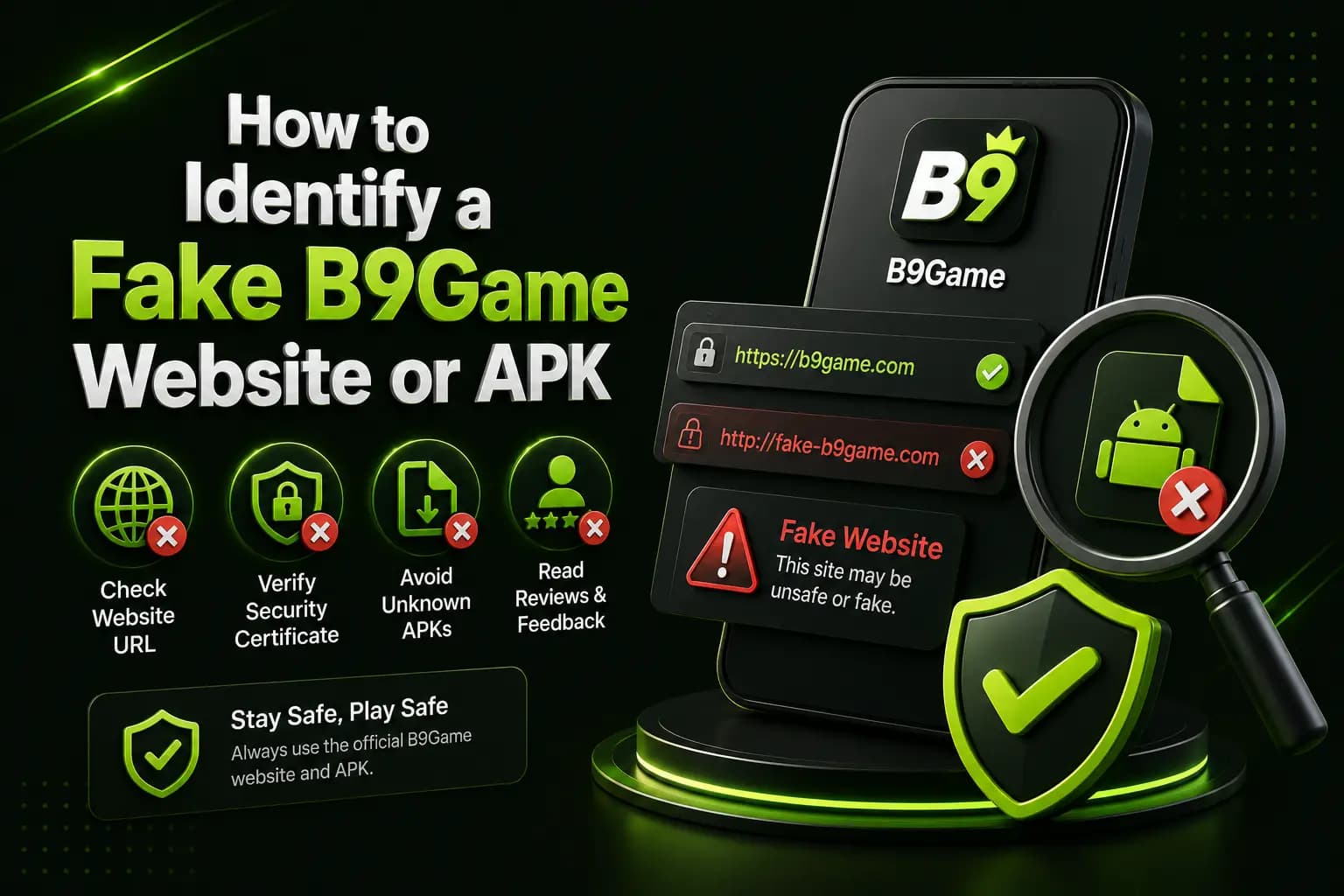
How can I tell if a B9 Game website or APK is genuine?
To check whether a B9 Game website or APK is genuine, read the full domain for extra letters, hyphens or numbers, confirm the download stays on the expected site, scan the APK and review its permissions. Generate payment details only inside your logged-in account, and treat requests for an OTP, PIN or unlock fee as fraud.
| Item | Detail |
|---|---|
| HTTPS padlock | Encrypts the connection; does not prove who runs the site |
| Published APK versions | Conflicting - 1.0.43, 1.0.62 and 1.0.63 on third-party pages |
| Highest-risk permission | Reading SMS messages |
| Payment details | Confirm inside the logged-in account |
| Last checked | 14 October 2026 |
Key Takeaways
- A fake B9 Game website can copy the name, logo and download buttons, so visual design is not proof of ownership.
- HTTPS only shows that the connection is encrypted; it does not prove who runs the site or that the APK is safe.
- Third-party pages publish conflicting B9 Game APK versions, including 1.0.43, 1.0.62 and 1.0.63, so a listed version proves nothing.
- An APK that asks to read SMS messages is especially risky because it may expose your verification codes.
- Never send money to a number from a comment, WhatsApp message, Telegram channel or a personal agent's wallet.
A fake B9Game website may copy the platform name, logo, screenshots and download buttons while sending visitors to an unrelated APK or payment account.
The visual design of a website is not proof of ownership. A copied page can look professional while collecting phone numbers, passwords, OTPs or deposits.
Users should verify the domain, download destination and payment details before entering private information.
Check the Complete Domain Name
Read the address carefully.
Watch for:
- Added letters
- Missing letters
- Hyphens
- Extra numbers
- Unusual domain endings
- Misleading subdomains
- Spelling such as b-9, b99 or b9games
- A different domain after clicking Download
A fake page may display "Official B9Game" in the heading while using an unrelated address.
HTTPS Does Not Prove a Site Is Genuine
A padlock means the browser connection is encrypted.
It does not prove:
- Who operates the website
- Whether the APK is safe
- Whether the licence claims are genuine
- Whether payments will be processed
- Whether the site is connected to B9Game
Treat HTTPS as a basic technical check, not complete proof of trust.
Inspect the Download Destination
Before downloading, check whether the button:
- Stays on the expected domain
- Opens an unrelated casino
- Downloads a ZIP instead of an APK
- Installs a browser extension
- Requests notification permission
- Opens repeated advertising pages
- Downloads more than one file
Cancel when the downloaded file name or app title does not match what was expected.
Conflicting APK Information Is a Warning
Different third-party B9Game pages currently publish conflicting versions, including 1.0.43, 1.0.62 and 1.0.63.
These differences do not prove that every page is fake, but they show why a version number should not be trusted merely because it appears beside a download button.
Verify:
- APK version
- File size
- Package name
- Publisher
- Update date
- Digital signature where possible
Scan the APK Before Installation
Google warns that downloading applications from unknown sources can place the device and personal information at risk. Google Play Protect can also recommend scanning an application installed outside Google Play.
Keep Play Protect enabled and pay attention to warnings.
Do not disable all security settings permanently just to complete an installation.
Review Requested Permissions
Question an APK that requests access unrelated to normal gaming features.
High-risk requests may include:
- Reading SMS messages
- Contacts
- Call history
- Accessibility service
- Device-administrator control
- Continuous location
- Microphone
- Camera
- Full file access
- Installing other applications
A request to read SMS messages is particularly sensitive because it may expose verification codes.
Watch for Guaranteed-Earning Claims
Be careful with claims such as:
- Guaranteed daily income
- No-loss method
- 100% winning trick
- Unlimited withdrawal
- Fixed three-minute payment
- Risk-free betting
- Hack APK with free balance
- Double every deposit
One competitor currently promotes instant three-minute withdrawals and easy income, while also publishing inconsistent version information. These are marketing claims rather than independently verified guarantees.
Real-money games can result in losses.
Verify Payment Details Inside the Account
Do not send money using:
- A screenshot from an old article
- A number posted in comments
- A WhatsApp message
- A Telegram channel
- A Facebook support account
- A personal agent's wallet
Generate or confirm the deposit order inside the logged-in account.
Check the recipient every time because payment details can change.
Check the Support Method
A suspicious support agent may ask for:
- Password
- OTP
- Wallet PIN
- Remote-access installation
- Screen sharing
- CNIC sent through personal chat
- Deposit to unlock the account
- Fee to approve a withdrawal
JazzCash says it will never request a customer's PIN, OTP or password, while EasyPaisa warns against sharing the secret OTP or PIN.
Fake Website Checklist
Before using a B9Game website, ask:
- Is the domain spelled correctly?
- Does the download remain on the expected site?
- Is the APK name consistent?
- Does the page identify who operates it?
- Are privacy and terms pages available?
- Does support use an in-account channel?
- Are earnings described realistically?
- Are app specifications supported by evidence?
- Are payment details generated inside the account?
- Does the APK pass security checks?
One positive answer is not enough. Look at the complete pattern.
What to Do After Using a Suspicious Site
When a password was entered:
- Change the B9Game password.
- Change any reused password on other sites.
- Review linked payment details.
- Check recent transactions.
- Remove the suspicious APK.
- Run a security scan.
- Review app permissions.
- Contact the wallet provider after an unauthorized payment.
- Save the domain and screenshots as evidence.
When an OTP or wallet PIN was shared, contact the payment provider immediately through its verified support channel.
Frequently Asked Questions
Is every third-party B9Game website fake?
Not necessarily, but third-party ownership, download files and claims require independent checking.
Does HTTPS mean the APK is safe?
No. HTTPS protects the connection but does not verify the APK or site operator.
Can Google Play Protect scan an APK?
Google Play Protect may scan or warn about applications installed outside Google Play.
Is a mod B9Game APK safe?
A modified APK can contain changed code or malicious features. Avoid files promising unlimited money or guaranteed wins.
Should support ask for an OTP?
No. Keep OTPs, passwords and wallet PINs private.
How can I verify the latest version?
Compare the actual APK information with a current platform notice rather than relying on a third-party heading.
Related B9Game Guides
More B9 Game Guides
Published
B9 Game Hack and Mod APK: Why They Are Scams
Searching for a B9 Game hack, mod APK or unlimited money trick? Here is why these files and services do not work, how they steal accounts and wallets, and what to do if you already installed one.
Published
B9 Game WhatsApp Group Link: Scam Warning and Safety Guide
B9 Game WhatsApp groups and Facebook pages promise tips, bonuses and fast withdrawals. Here is why they are unofficial, the scams they commonly run and how to protect your account.
Published · Updated
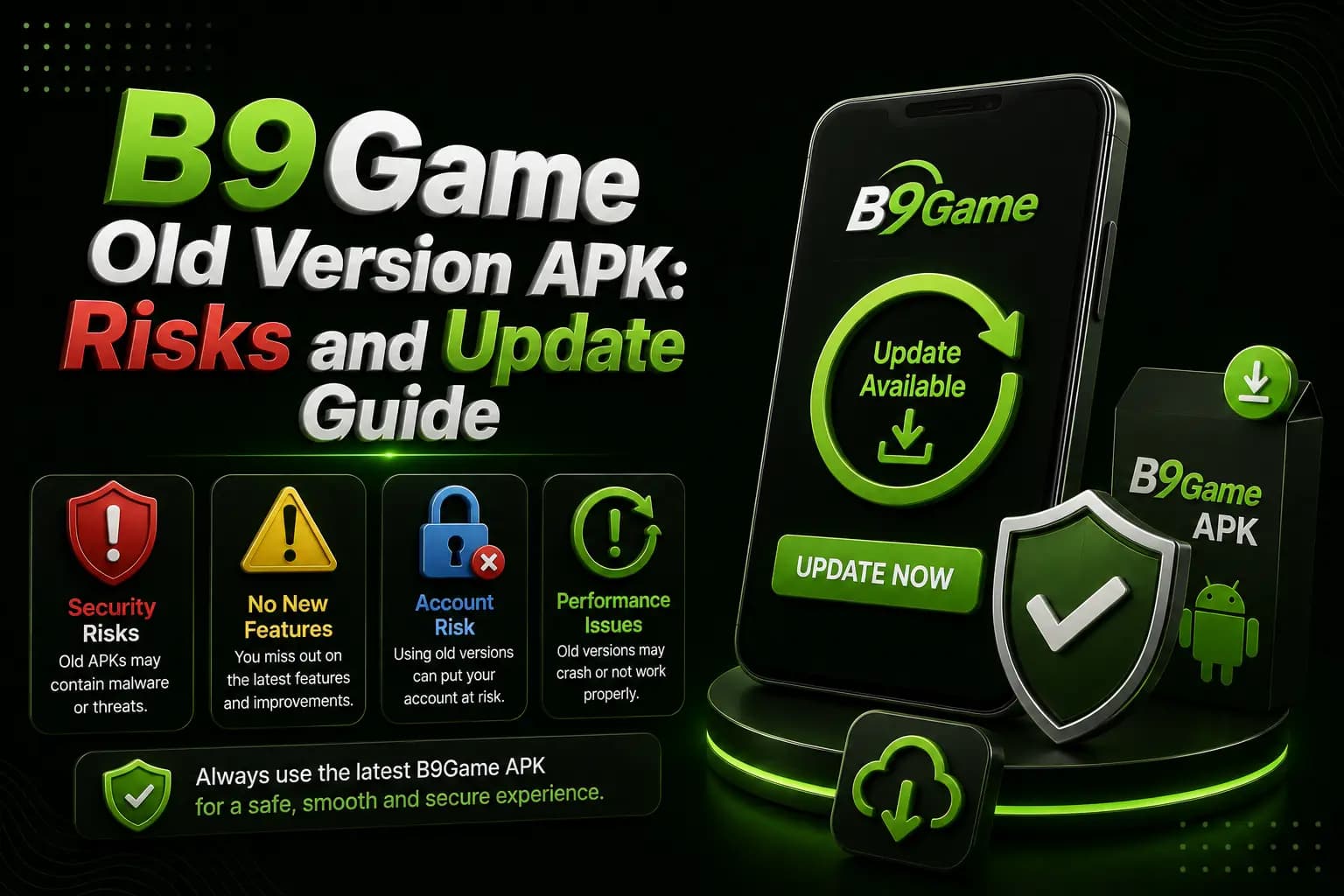
B9 Game Old Version APK: Risks and Update Guide
An old B9Game APK might seem like a fix for installation problems, but it can create new login, payment and security issues. Here is a safer way to update.
Published · Updated
B9 Game Account Locked? Causes and Recovery Steps
A B9Game account may become temporarily inaccessible after repeated password attempts, unusual device access or verification issues. Here is how to recover it safely.