
Updated
Competitor information is inconsistent: one current page says the platform is not yet designed for iOS, while other sites describe broader device support without showing a verifiable App Store listing.
For that reason, iPhone users should not install files or profiles that claim to be a “B9Game iOS APK.”
Quick Answer
Can I download B9 Game on an iPhone?
B9 Game does not have an independently verified native iOS app, and an APK file cannot be installed on an iPhone or iPad. iPhone users can open the public website in Safari and add it to the Home Screen as a shortcut. Never install unknown configuration profiles or enterprise certificates to get it.
| Item | Detail |
|---|---|
| Native iOS app | Not independently verified |
| App Store listing | No clearly matching real-money listing identified |
| APK on iPhone | Not possible; APK is an Android format |
| Browser access | Public website opens in Safari; some features need login |
| Last checked | 14 October 2026 |
Key Takeaways
- A website offering a B9 Game iOS APK is using incorrect terminology, because APK files only run on Android.
- No clearly matching native real-money B9 Game listing was identified in the Apple App Store during this review.
- Adding the B9 Game website to the iPhone Home Screen creates a Safari shortcut, not a native application.
- Do not install unknown configuration profiles, jailbreak the iPhone or trust unfamiliar enterprise certificates to access B9 Game.
Can an APK Be Installed on iPhone?
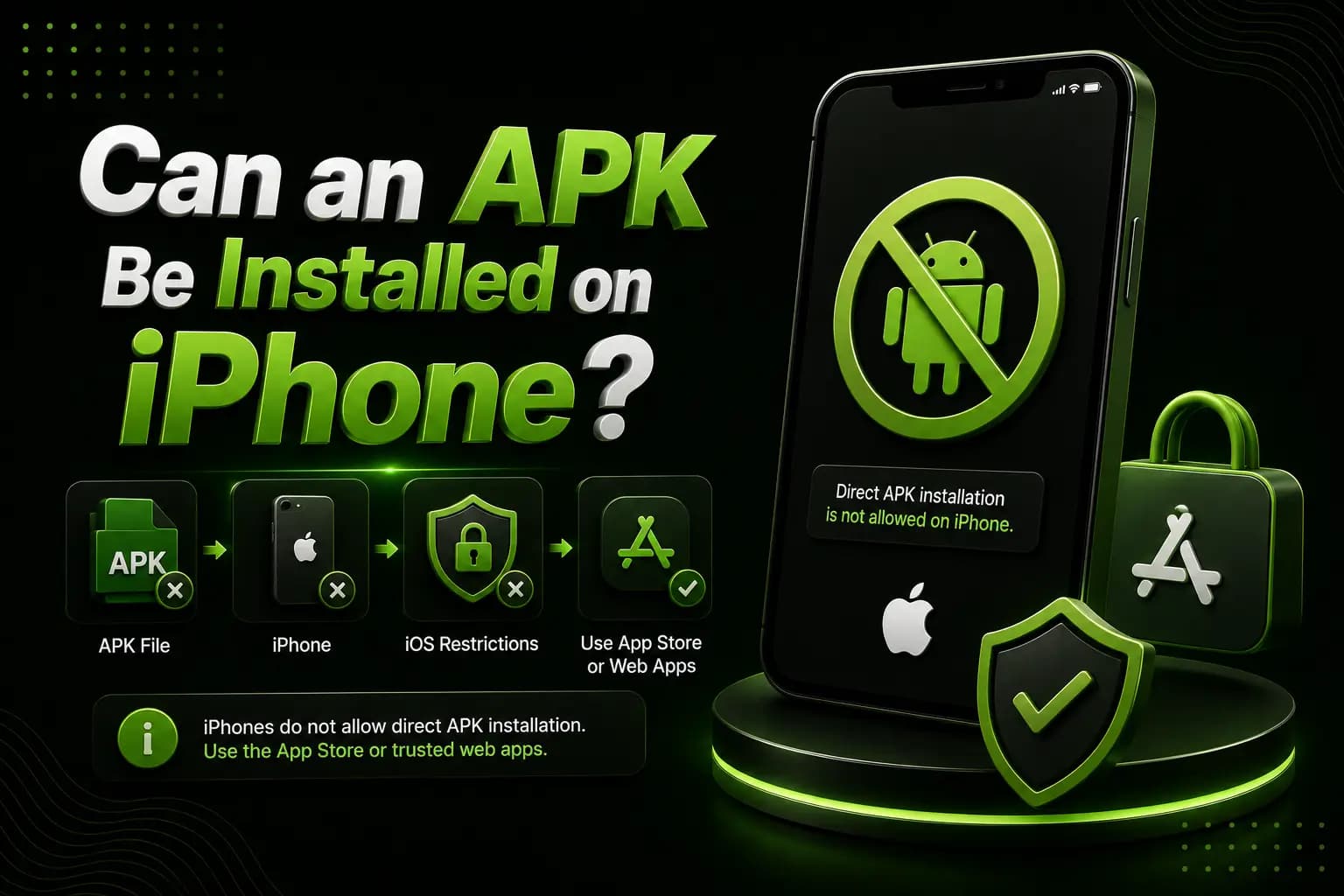
No.
APK is an Android application format. It cannot be installed as a normal iPhone application.
iOS applications typically come through:
- Apple App Store
- TestFlight
- An approved organizational system
- A verified web application
- Another Apple-supported distribution method
A website offering an “iOS APK” is using incorrect terminology and should be treated carefully.
Is B9Game Available in the App Store?
No clearly matching native real-money B9Game listing was independently identified during this review.
Do not choose an application only because:
- It has B9 in the title
- It uses a similar icon
- Its screenshots show cards or slots
- A third-party website calls it official
- A social-media account shares an App Store link
Check the developer name, privacy policy, support website, reviews and app description.
Possible Browser Access
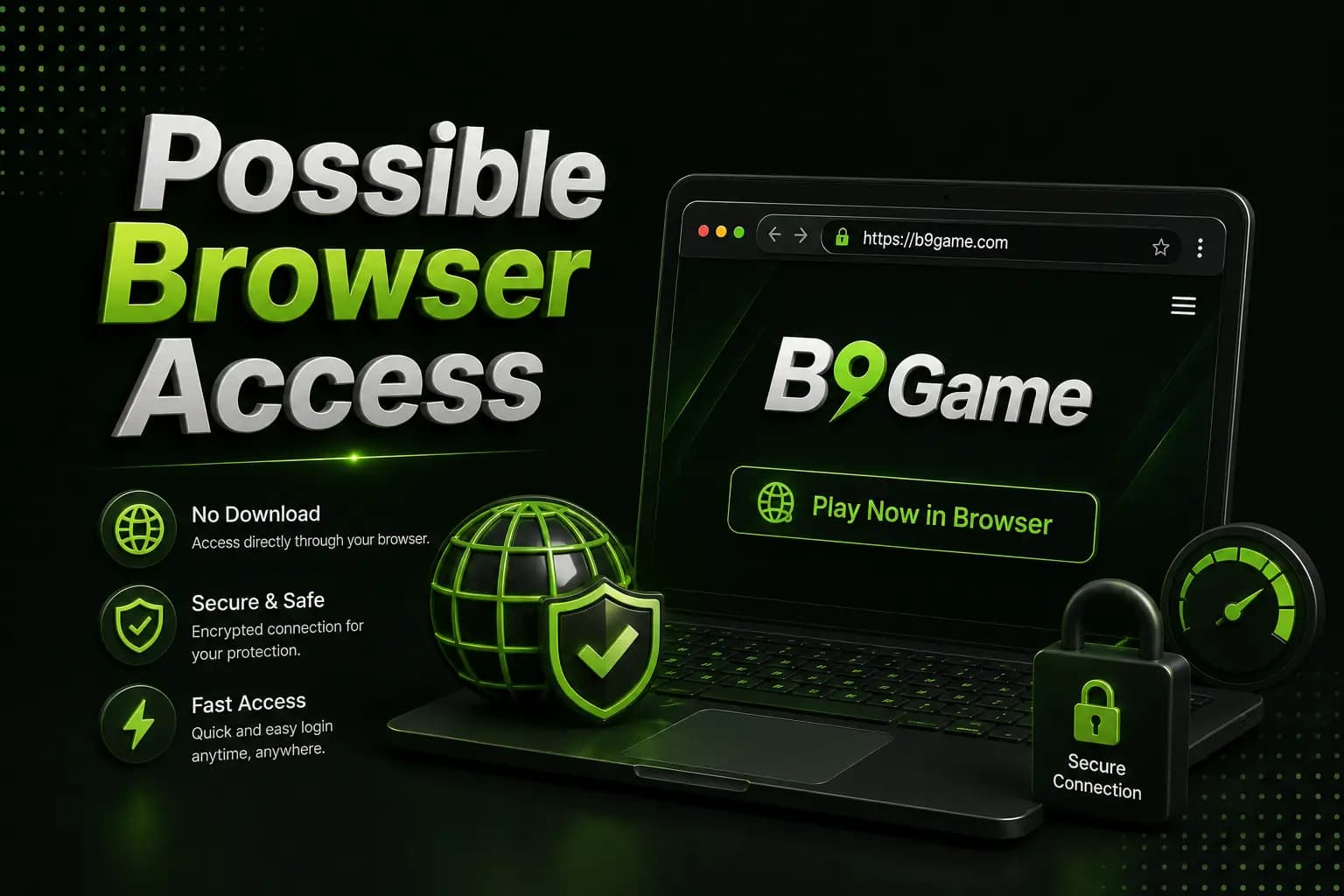
The public B9Game website can be opened through a normal browser, although individual pages or games may require login and JavaScript.
To check browser access:
- Open Safari.
- Enter the verified website address.
- Confirm the domain and HTTPS connection.
- Choose Login or Register.
- Avoid saving the password on a shared device.
- Check whether the required game loads correctly.
Browser access does not prove that every platform feature is compatible with iOS.
Add B9Game to the iPhone Home Screen
When the website works in Safari:
- Open the website.
- Tap the Share icon.
- Choose Add to Home Screen.
- Check the displayed name and domain.
- Tap Add.
This creates a shortcut. It does not install a native application.
Fake iOS Download Warnings
Do not install an unknown configuration profile simply to access B9Game.
A malicious profile may change:
- Network settings
- Certificate trust
- Device management
- Web filtering
- VPN configuration
- Application permissions
Also avoid websites that ask you to:
- Jailbreak the iPhone
- Disable Apple security
- Install an unknown enterprise certificate
- Trust an unfamiliar developer
- Share an Apple ID password
- Enter an OTP outside the platform
- Complete unrelated app offers
B9Game Not Working on iPhone
Website Does Not Load
Try:
- Changing the internet connection
- Disabling an unreliable VPN
- Clearing Safari website data
- Enabling JavaScript
- Restarting the browser
- Checking whether the platform is under maintenance
Login Page Keeps Refreshing
Check:
- Cookie settings
- Private browsing
- Content blockers
- Incorrect phone number
- Expired session
- Network stability
Game Screen Is Blank
Some game providers may depend on browser features that are not working on the device. Try updating iOS and Safari. Do not install an unknown profile as a quick fix.
Payment Page Does Not Open
Stop the transaction and return to the wallet. Do not send money using details supplied outside the account merely because the iPhone payment page failed.
iPhone Account Security
- Use Face ID or a device passcode
- Do not save credentials on shared devices
- Keep iOS updated
- Review Safari permissions
- Avoid unknown keyboards
- Never install remote-control tools for support
- Never share an OTP
- Confirm payment details inside the account
Frequently Asked Questions
Is there a B9Game iOS APK?
No. APK files are for Android.
Is B9Game available in the Apple App Store?
A clearly matching native real-money listing has not been independently verified.
Can I open B9Game in Safari?
The public website can be opened in a browser, but individual features may require login and may not all work on iOS.
Can I add it to the home screen?
Yes, a working website can be added as a Safari shortcut. This does not make it a native app.
Should I trust an enterprise certificate?
Only trust a certificate when the publisher and distribution method have been independently verified.
Can I use an Android emulator on iPhone?
Normal iPhones do not support Android APK emulators in the same way Windows computers do.
B9Game for iOS should be approached as a browser-access question until a genuine native application can be verified.
Do not install an Android APK, unknown configuration profile or unverified enterprise application on an iPhone. Browser access is the safer option when the platform works correctly.